Demand Signal
Stop prepping and staffing for last week's service.
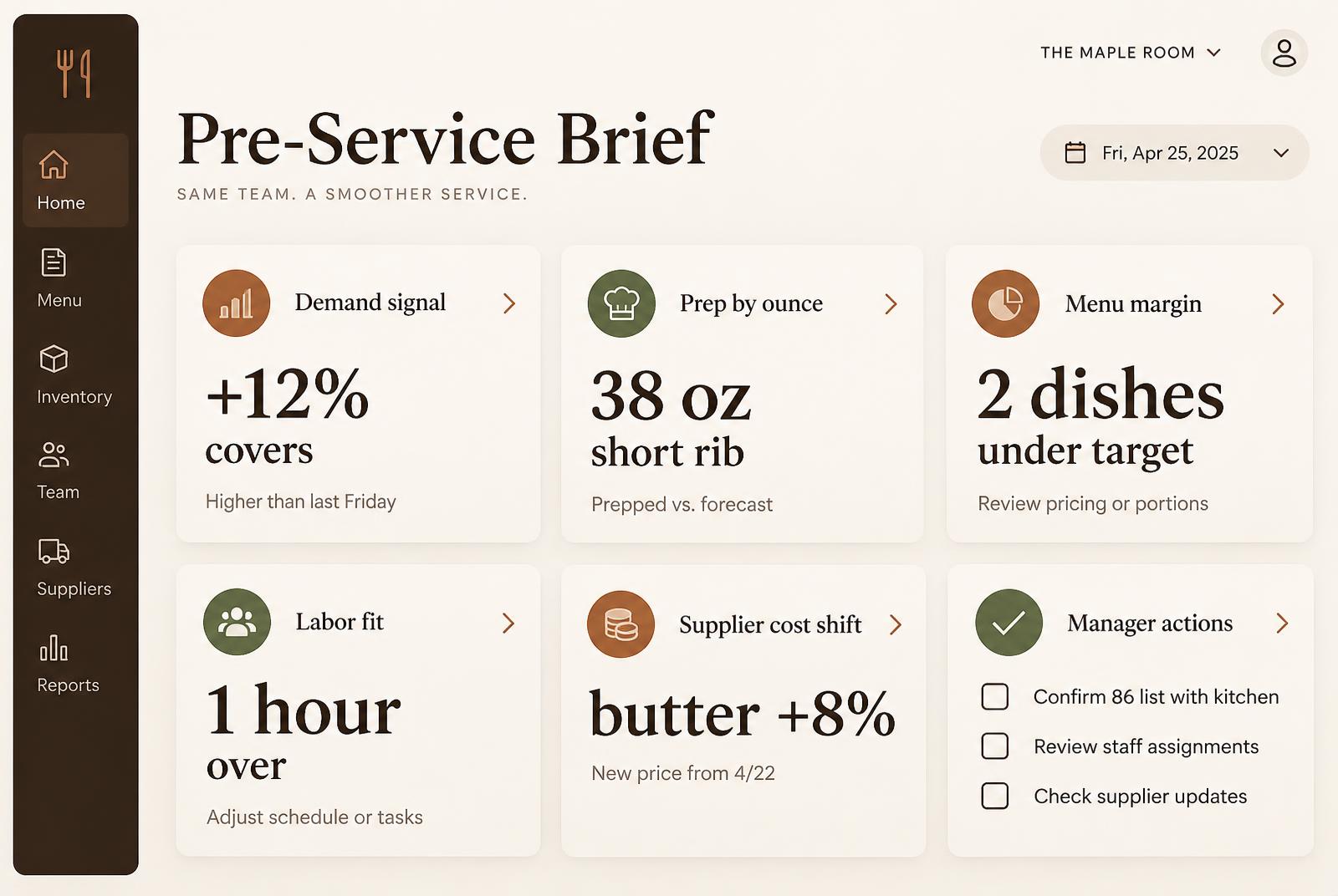
Every Ounce turns POS history, weather and local events into a 15-minute interval Demand Signal for covers and item mix — so the kitchen and the schedule are aligned with the day that's actually coming.
Demand Signal
15-min
forecast interval
The leak
Gut-feel forecasts cost you twice — every shift.
Most restaurants project demand from a manager's memory of last week. The result is a kitchen that's either over-prepped on a slow night or 86'ing the hero dish at peak.
- Tuesday slow, Friday packed — and the prep list looks the same.
- Weather swings covers and no one re-staffs.
- Delivery channel mix moves and the POS doesn't flag it.
- Hero dishes sell out before the rush ends.
How operators use it
A demand signal with its reasoning attached.
Every Ounce learns your service patterns by daypart and channel, blends in weather and local events, and shows covers and item mix with the reasoning behind it. Every Ounce prepares the signal and rationale; an operator confirms the next action.
- Covers, items and channel mix by 15-minute interval
- Weather and local event signals built in, not bolted on
- The reasoning shown next to every signal
- Operators can override any signal
- Feeds directly into prep suggestions and labor guidance
Service timeline
How a GM reads the signal every morning.
- Step 01
06:00
Demand Signal refreshes overnight using yesterday's actuals plus this morning's weather and reservations.
- Step 02
06:30
Chef reviews item-level demand on the prep screen and adjusts pull-forwards.
- Step 03
06:45
GM checks covers by daypart and confirms the labor calls in the Pre-Service Brief.
- Step 04
Mid-shift
If real covers diverge from the signal, Every Ounce re-runs and flags the next decision for the manager.
- Step 05
Post-shift
Signal vs actual reconciles and feeds tomorrow's model.
Connected workflows
Demand Signal is one input. Here's where it lands.
See tomorrow's demand before you cook for it.
Import 4 weeks of POS history and your first Demand Signal is ready in under 10 minutes, for you to review.
FAQ
Questions operators actually ask.
No. Every Ounce works alongside the restaurant systems you already use and brings their signals into one Pre-Service Brief for operator review.